


Community
Built by Divers, for Divers
ScubaSnap is a community project. The dive sites, the species photos and the corrections come from divers who know the water. Here is how you can add to it, and what happens when you do.
Why your dive knowledge matters
No website can dive every site. ScubaSnap lists thousands of dive sites around the world, and for many of them some details (depth, visibility, currents, the best months) are estimates.
A diver who was there last month knows better. One short suggestion fixes the page for everyone who looks at that dive site after you.
Five ways to contribute
Suggest an edit
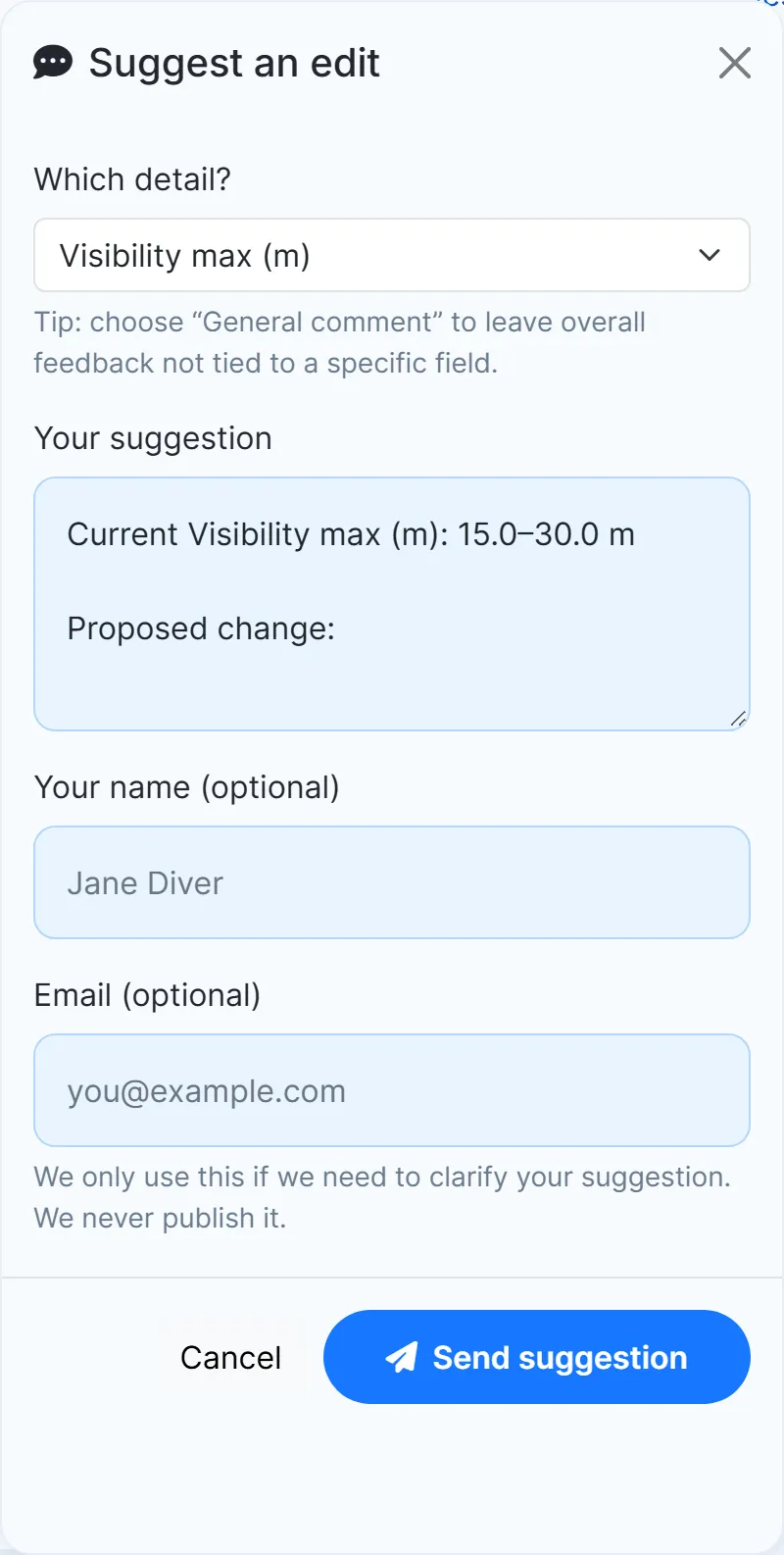
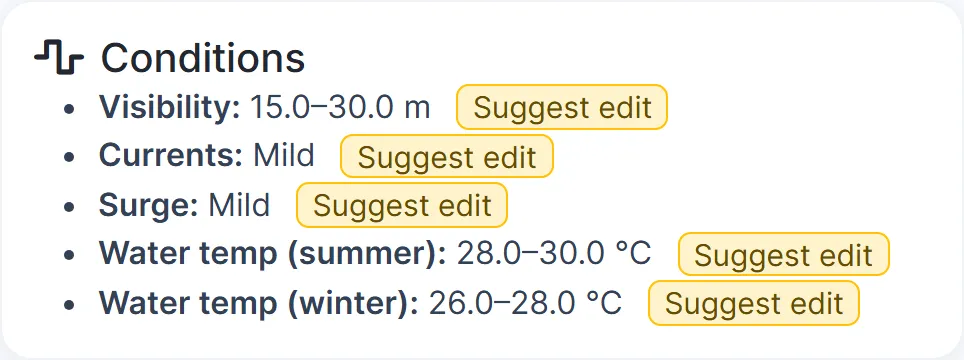
See something that isn’t right? Next to each fact on a dive-site page there is a small “Suggest edit” link: the name, country and region, the overview, visibility, currents, surge, water temperature, entry type, facilities, permits, hazards, the best months and more.
- Open a dive-site page (or a species page).
- Click “Suggest edit” next to the detail you want to change.
- Say what should change and send it to our editors. Your name and email are optional, and we never publish your email.
Species pages too
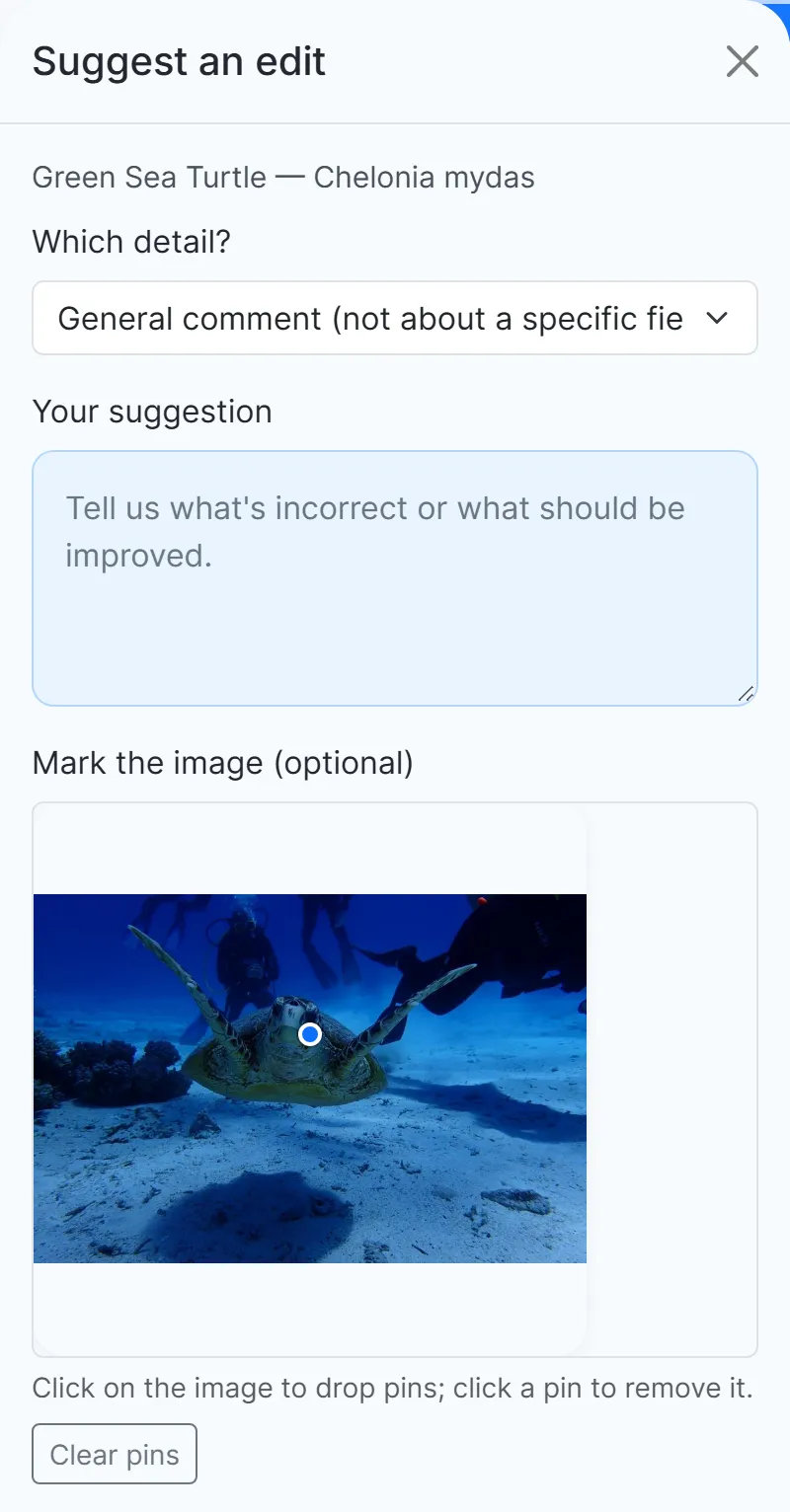
Every species page has “Suggest an edit / report an issue”. You can drop pins on the photo to show exactly what you mean, for example when a photo shows a different animal.
Share photos and notes about a dive site
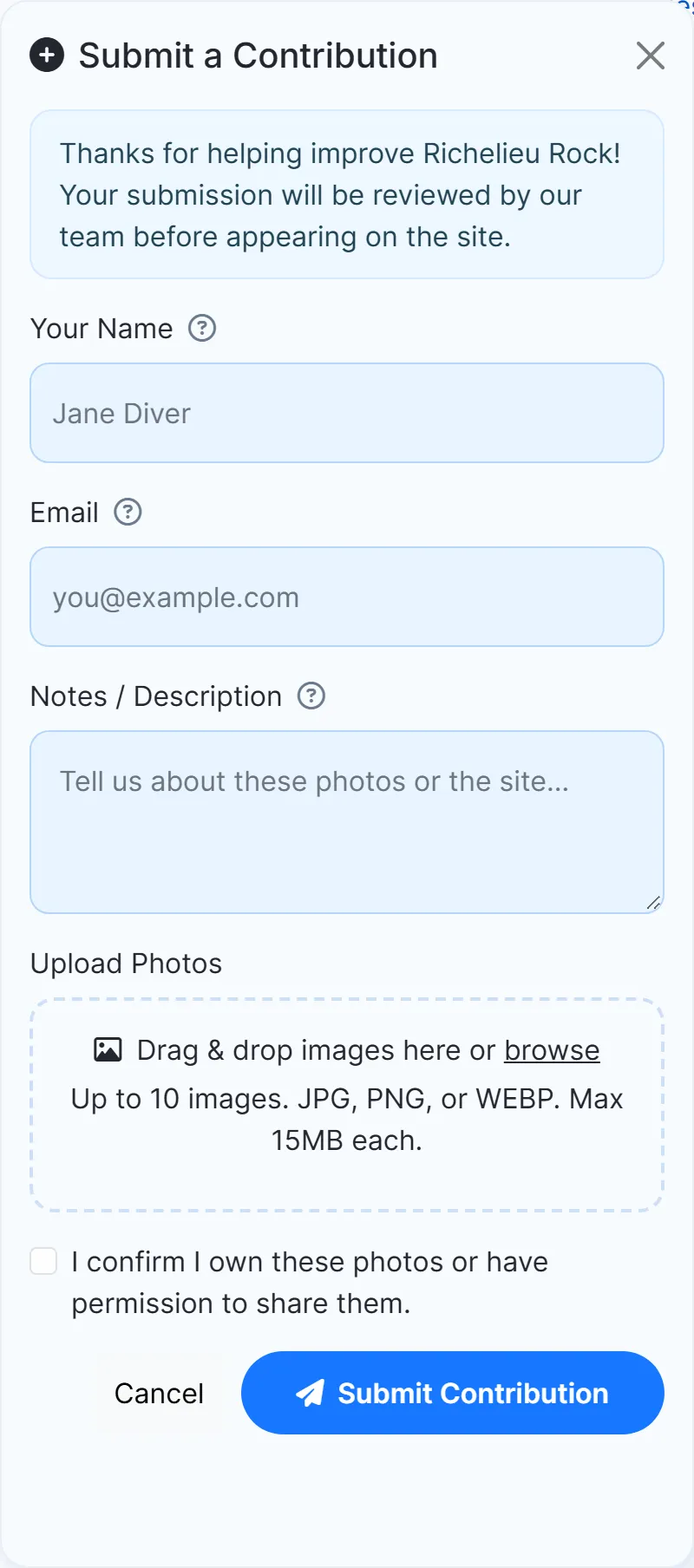
Got good photos of a site, or something to add that doesn’t fit in a single detail? Use “Contribute photos & info” on the dive-site page.
- Add up to 10 photos (JPG, PNG or WebP, up to 15 MB each).
- Tell us what they show, or what else people should know about the site.
- Confirm that the photos are yours, or that you may share them, and send.
- Your name and email are optional, and we never publish your email.
- Our team reviews every contribution before it appears on the site.
Rate a dive site
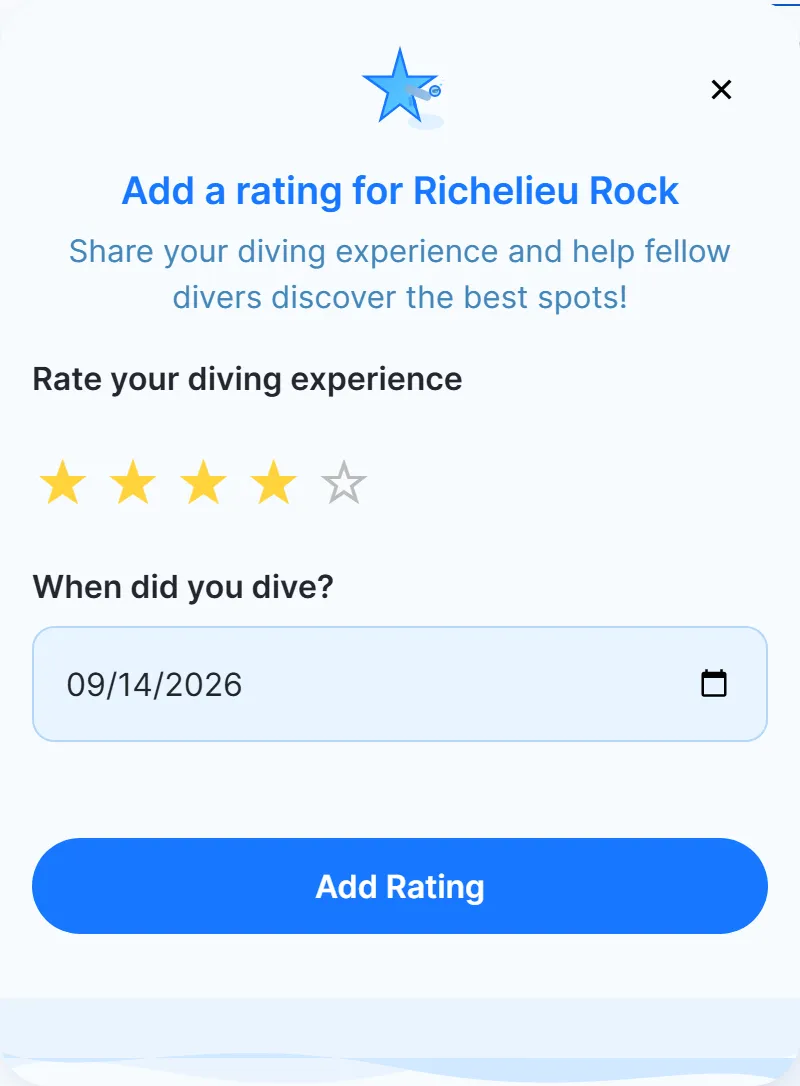
After a dive, tell other divers what you thought: give the site 1 to 5 stars and pick the date you dived.
- Open the dive-site page and click “Rate this divesite”.
- Choose your stars and the date of your dive.
- Press “Add Rating”.
- You need a free account.
- Ratings are public: they are averaged on the dive-site page, on the map and in the dive-site finder.
- You can rate the same site again for another dive date.
Add a dive site that’s missing
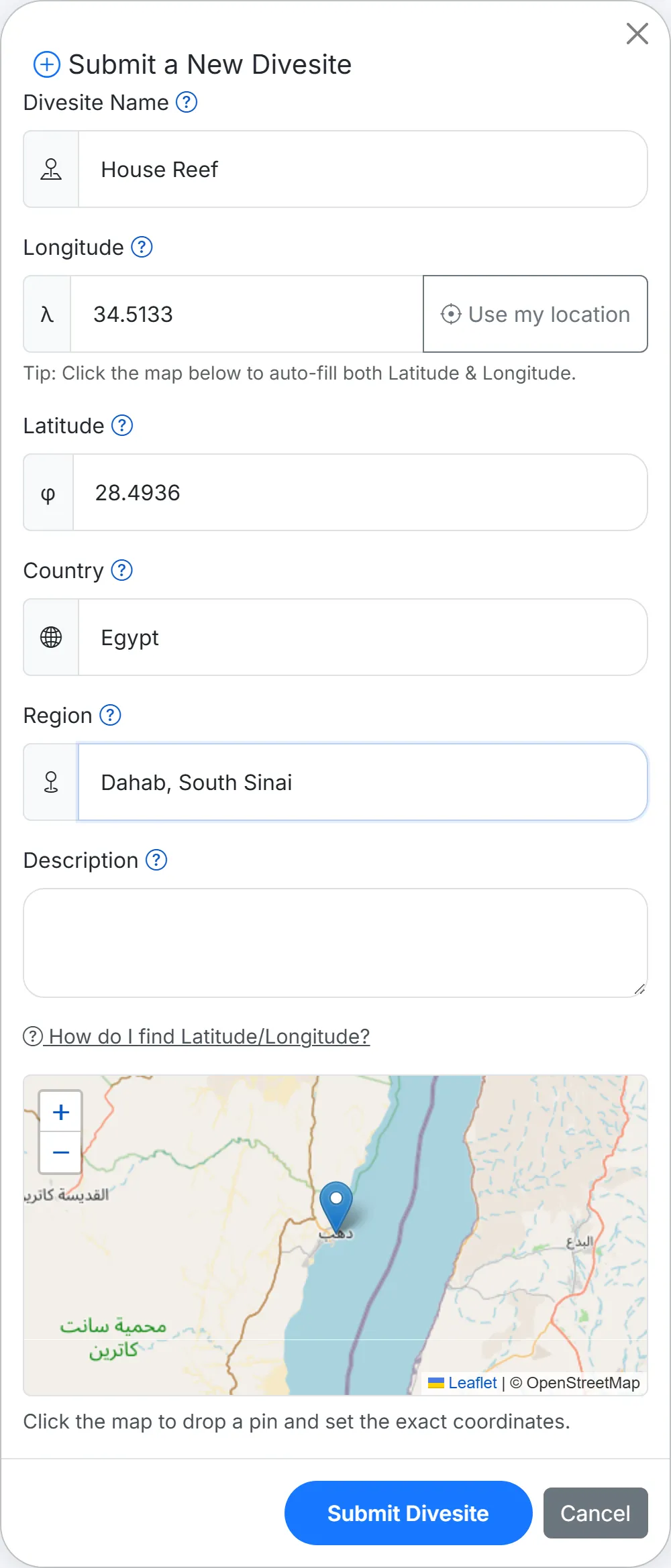
Can’t find your dive site? Add it yourself. Search for it first: on the home page, in “Find a dive site”, signed-in divers get an “Add divesite” button and a “Can’t find your divesite? Submit a new one” link. You will also find “Submit a new one” when you link one of your photos to a dive site.
- Give it a name, the country and the region.
- Set the location: click the map to drop a pin, or press “Use my location” when you are at the site.
- Add a short description if you like, and submit.
- You need a free account.
- Our team looks at every new dive site.
Identify species and grow the species guide
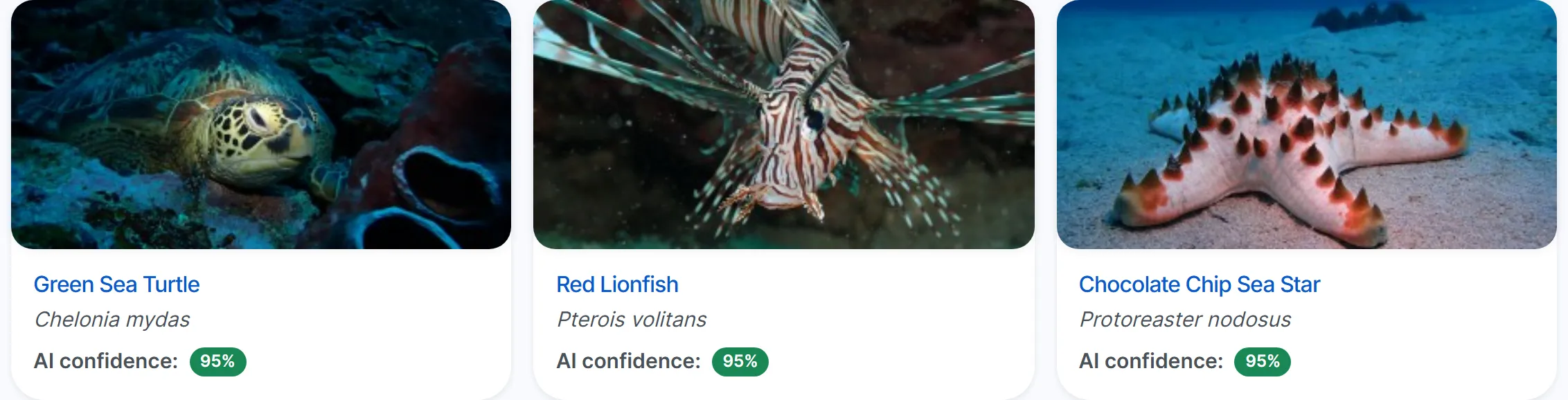
Upload an underwater photo of a fish, nudibranch or coral and ScubaSnap’s AI names it. Save the result and your photo joins the species guide: it is added to the photo gallery of that species, and a species nobody has photographed here yet gets a page of its own.
- Create a free account and upload a clear photo from your profile.
- Check the result: every identification comes with a confidence score.
- Save it, or flag it for review if it looks wrong.
- A free account includes 3 identifications a day.
- The AI works on fish, nudibranchs and coral only.
What happens next
You send it
From a dive-site or species page, the search on the home page, or your profile.
We take a look
Our team reviews suggestions, photos and new dive sites. We are a small team, so it can take a while.
Every diver benefits
Accepted changes show on the page for everyone. Ratings and saved identifications count straight away.
Tips for a contribution that helps
- Be specific: say what is wrong and what it should be, for example “visibility is usually 10 to 20 m”.
- Mention when you dived there: conditions change with the season.
- One change per suggestion makes it easy for us to check.
- Photos should show the dive site itself: the reef, the wreck, the entry point, or what you saw.
- Only send photos you took or may share.
- Leave out personal details of other people.
Your name, your email, your photos
Your name and email are optional when you suggest an edit or send photos. We only use your email if we need to ask you something about your contribution, and we never publish it. Your photos stay yours: by sending them you let ScubaSnap show and use them on the site, as described in the Terms of Service. How we handle data is described in the Privacy Policy.
Frequently asked questions
Ready to put your dive knowledge on the map?
Create a free account to rate dive sites, add new ones and grow the species guide. Suggestions and photos work without one.
Free to join. No credit card needed.